虽然目前Github网站已经支持通过Markdown添加Mermaid流程图,但Github Pages目前仍然没有适配。
网上寻找解决办法的过程中,发现了一个Jekyll博客的优化插件库 jeffreytse/jekyll-spaceship,可以通过Markdown添加流程图、音乐,可以实现Html代码与Markdown同时使用、并优化了表格系统等等,如下图:


具体功能可以去作者库中看一看详细信息(jeffreytse/jekyll-spaceship)。
按照作者的使用说明(Installation 部分)配置后,发现还是不能搞定,仔细看说明发现作者做了声明:
Tip: Note that GitHub Pages runs in safe mode and only allows a set of whitelisted plugins. To use the gem in GitHub Pages, you need to build locally or use CI (e.g. travis, github workflow) and deploy to your gh-pages branch. |
并给出了最优解决方案,jekyll-deploy-action。但是需要通过Github Action功能先进行配置。以下为主要流程:
通过以下指令,在本地博客目录下建立一个新的 branch,命名为 gh-pages
git checkout --orphan gh-pages
git rm -rf .
git commit --allow-empty -m "initial commit"
git push origin gh-pages
在自己的博客库根目录下添加文件 –> .github/workflows/build-jekyll.yml
build-jekyll.yml中添加如下
name: Build and Deploy to Github Pages

on:
  push:
    branches:
      - master  # Here source code branch is `master`, it could be other branch

jobs:
  build_and_deploy:
    runs-on: ubuntu-latest
    steps:
      - uses: actions/checkout@v2

      # Use GitHub Actions' cache to cache dependencies on servers
      - uses: actions/cache@v2
        with:
          path: vendor/bundle
          key: ${{ runner.os }}-gems-${{ hashFiles('**/Gemfile.lock') }}
          restore-keys: |
            ${{ runner.os }}-gems-

      # Use GitHub Deploy Action to build and deploy to Github
      - uses: jeffreytse/jekyll-deploy-action@v0.3.1
        with:
          provider: 'github'
          token: ${{ secrets.GITHUB_TOKEN }} # It's your Personal Access Token(PAT)
          repository: ''             # Default is current repository
          branch: 'gh-pages'         # Default is gh-pages for github provider
          jekyll_src: './'           # Default is root directory
          jekyll_cfg: '_config.yml'  # Default is _config.yml
          jekyll_baseurl: ''         # Default is according to _config.yml
          bundler_ver: '>=0'         # Default is latest bundler version
          cname: ''                  # Default is to not use a cname
          actor: ''                  # Default is the GITHUB_ACTOR
          pre_build_commands: ''     # Installing additional dependencies (Arch Linux)
注:可以将
branches:下master改为自己的推送branch名,这里标注为默认值master。使用
masterbranch再进行新一轮push后,如果正确配置将自动将master中的网站自动转换为静态网页代码添加到刚刚在第一步中建立的gh-pagesbranch中。git push origin master
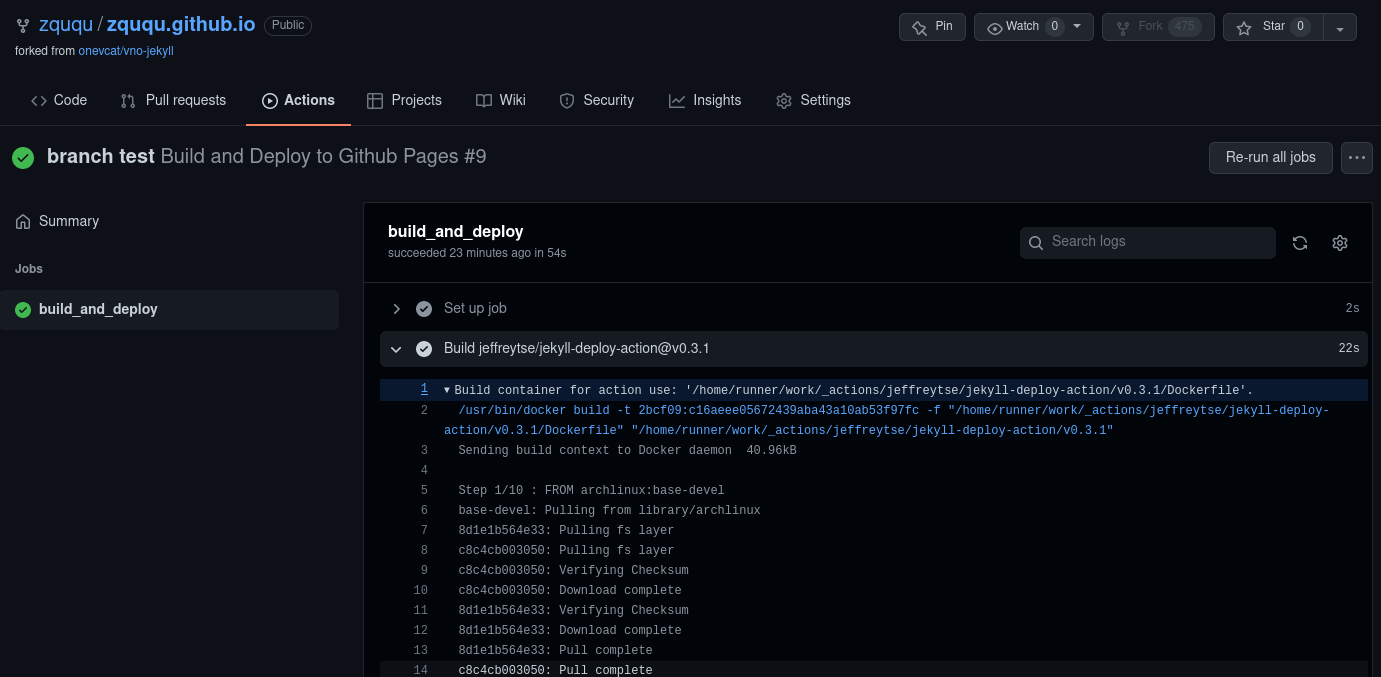
如何发生推送错误,可以在博客仓库的Action选项栏中观察报错原因中观察错误原因。
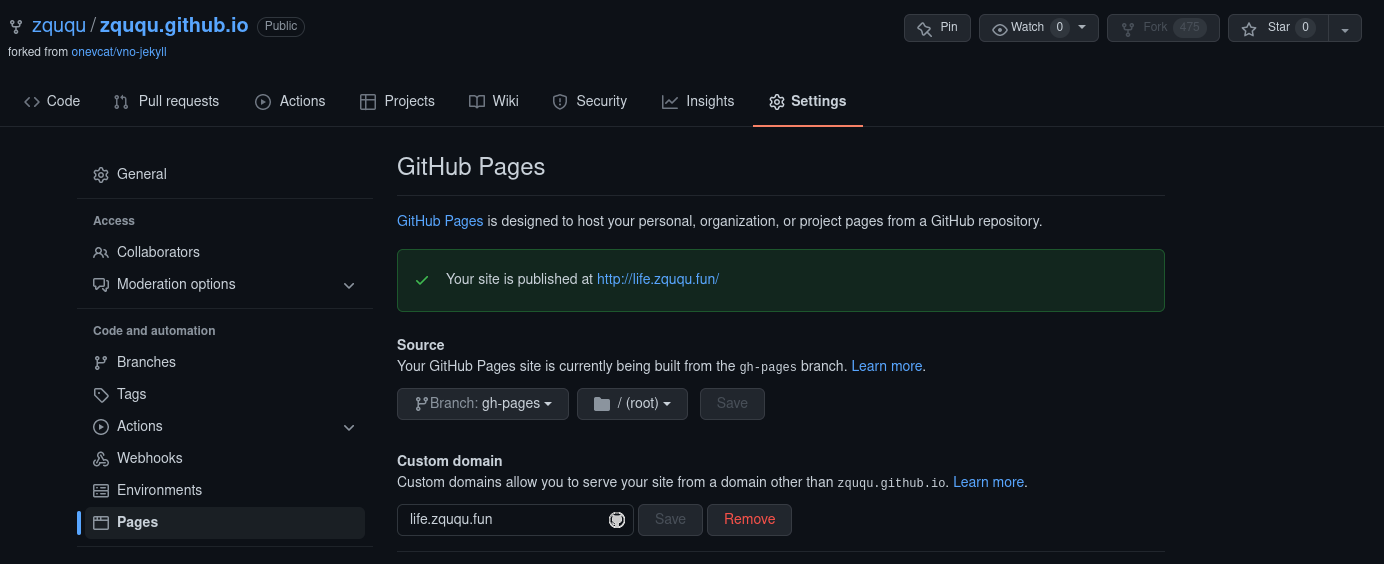
进入仓库设置页面(Pages栏),将默认页面改为gh-pages即可。